



Document Trust Manager
Govern every
signature, intelligently
Enforce policy, protect keys, and preserve audit-ready
evidence—across every signing workflow

Centralize governance
Manage signing policy, roles, audit logs, and keys in one place—so every signature follows the same rules.

Meet mandates
Support regulated signing with Qualified-ready trust, trusted timestamps, and long-term validation where required.

Integrate workflows
Keep Adobe, DocuSign, and Microsoft 365 intact while DigiCert runs the PKI behind each signature and seal.
Explore Document Trust Manager
Secure, govern, and scale digital signing—across teams and tools.
- Governance
- Compliance
- Assurance
- Integration
Govern keys and access
- Enforce role-based access with SSO/MFA across signing teams
- Protect signing keys with HSM-backed custody options
- Prove policy enforcement with audit logs for every signature event

Meet regional mandates
Issue Qualified and Advanced signatures and organizational eSeals
Support eIDAS and ZertES requirements across regulated workflows
Apply qualified timestamps and long-term validation where required

Strengthen signing proof
Verify signer identity through configurable proofing steps
Require step-up authentication for high-risk signing actions
Preserve audit-ready evidence for reviews years later

Scale without disruption
Automate mass eSealing for high-volume documents
Keep Adobe, DocuSign, and Microsoft 365 workflows intact via CSC integration
Deploy to meet residency needs with flexible and sovereign hosting options

Control digital signing across teams and tools
Standardize signing policy across regions, automate high-volume eSealing, and extend PKI-backed trust behind the tools teams already use.

Global signing governance
Standardize signing policy and key control across regions, teams, and tools.

High-volume eSealing
Automate mass eSealing for high-volume documents with traceable, policy-driven control.

Cross-platform signing
Extend PKI-backed trust behind Adobe, DocuSign, and Microsoft 365 without disrupting workflows.
Govern digital signing with confidence
Reduce regulatory risk, preserve audit-ready evidence, and automate high-volume signing
from one governed control layer.

Reduce regulatory risk
Keep signatures and eSeals aligned to regional requirements—every time.

Unmatched value
Preserve long-term proof with trusted timestamps and long-term validation.

Increase operational efficiency
Automate high-volume eSealing to cut manual steps and rework.

Centralize enterprise governance
Unify policy, roles, and audit logs across teams and signing tools.
Why security leaders choose DigiCert
Why customers trust Document Trust Manager
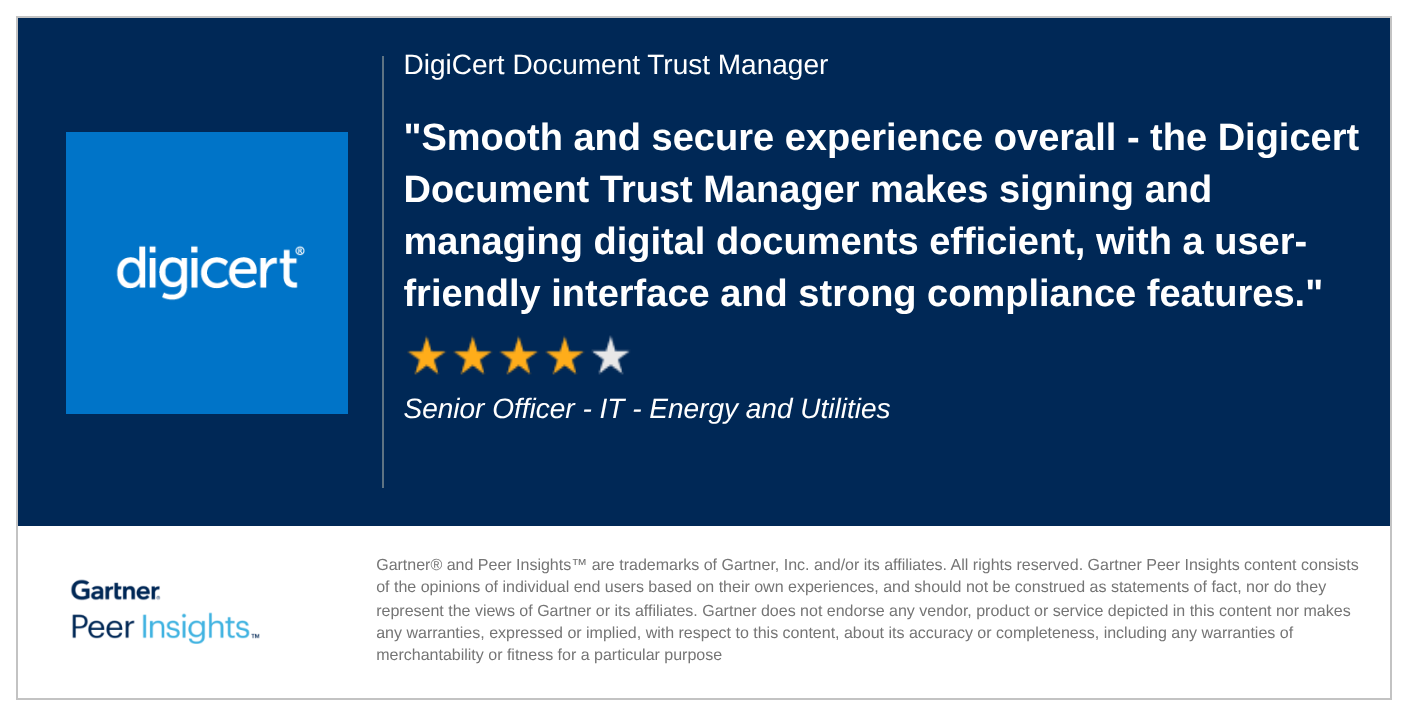
Insights to strengthen your trust strategy

DATASHEET
DigiCert Document Trust Manager
DATASHEET
DigiCert Premium Support
MANUAL
Document Trust Manager Support
FAQs
Adobe and DocuSign run the signing experience. Document Trust Manager governs the PKI behind it—policy, key custody, and verifiable signing records—so signing stays compliant and provable at scale.
- If we already use Adobe or DocuSign, why do we need Document Trust Manager?
- Can we use Document Trust Manager with Adobe or DocuSign?
- What’s the difference between eSignatures and digital signatures?
- Do you support Qualified signatures and eSeals?
Ready to Add Trust to Your Digital Documents?
-

The most-trusted global provider of high-assurance TLS/SSL, PKI, IoT and signing solutions.
-


-
© 2026 DigiCert, Inc. All rights reserved.
Legal Repository Audits & Certifications Terms of Use Privacy Center Accessibility Cookie Settings