
DigiCert® Wildcard TLS/SSL Certificates
The Wildly Simple
Way to Tame
Subdomains
You could buy a thousand certificates
to secure a thousand subdomains.
But with wildcard, all you need is one.
What is a Wildcard TLS/SSL Certificate?
Wildcard TLS/SSL certificates simplify subdomain management and reduce costs by using one certificate to secure a single domain and all related subdomains. By using the asterisk symbol (*) as a placeholder (*.example.com), a wildcard certificate will automatically secure any subdomain at the same level (e.g., mail.example.com, blog.example.com, support.example.com).
For organizations with multiple subdomains, wildcard certificates are a no-brainer—a scalable, cost-effective way to enhance website security across subdomains under a single, unified certificate.

How to Buy a DigiCert Wildcard TLS/SSL Certificate
1. Select the plan that best fits your security needs.
Choose from Secure Site Pro, Secure Site, or DigiCert Basic.
2. Choose the number of wildcard domains you want to include with your purchase.
Note: You can combine wildcard and fully qualified domains onto a single multi-domain certificate.
3. Add the certificate to your cart.
Add your wildcard certificate to your cart and complete the checkout process.
Optional heading that can be visually hidden
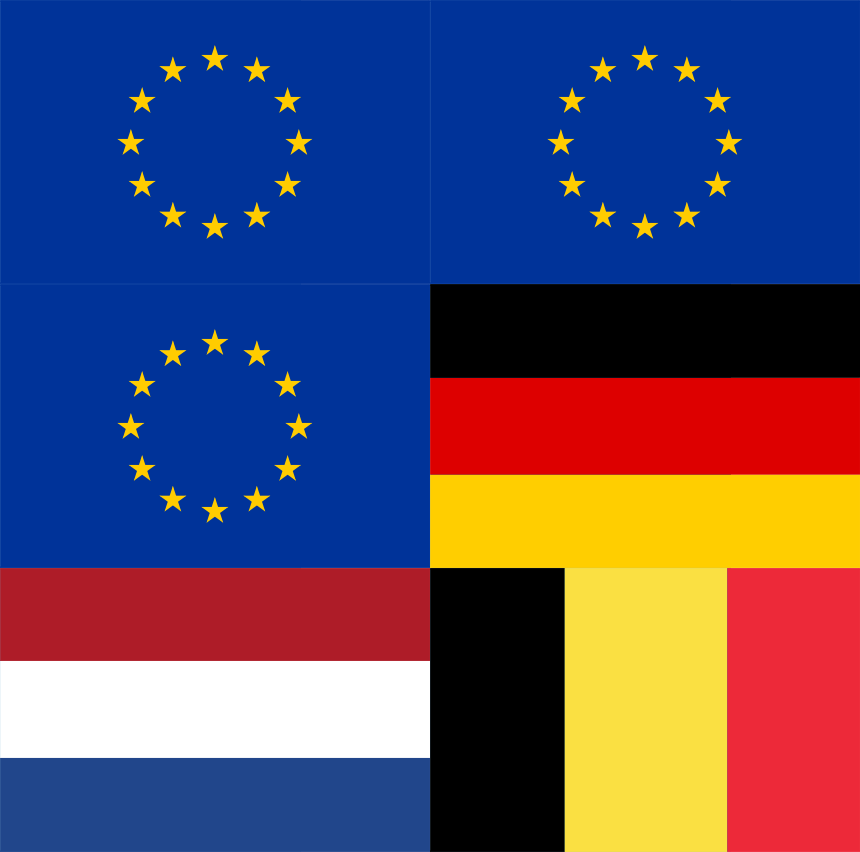
Need European Data Sovereignty and Residency?
Announcing DigiCert® CertCentral Europe, our globally popular certificate lifecycle manager is now able to provide European customers with data sovereignty and data residency for TLS certificates and critical validation information.

More Choice in Digital Trust
We’ve worked with many customers over the years who’ve asked for greater flexibility with their certificates—and we heard their feedback. Now, you can pick the right TLS/SSL certificate—wildcard or multi-domain—to meet your business needs. Get greater flexibility throughout the life of your certificate to manage your digital ecosystem.
Related Resources

CHECKLIST
TLS/SSL Certificate Management Best Practices
FAQ
What is a Wildcard Certificate?
DATASHEET
SSL Product Sheet
INFOGRAPHIC
Smart Seal Infographic
GUIDE
TLS Best Practices Guide
FAQ
What is a Multi Domain San Certificate?
Talk to an expert to learn how DigiCert
solutions can help you deliver digital trust
-

DigiCert is a global leader in intelligent trust, securing people, data, and devices with AI-powered solutions built to stop threats today and prepare for a quantum-safe future.
-



-
© 2026 DigiCert, Inc. All rights reserved.
Legal Repository Audits & Certifications Terms of Use Privacy Center Accessibility Cookie Settings